
Overview Of Lightroom App 2026

Lightroom has been the backbone of digital photo editing for over a decade, and its name — a nod to the darkrooms photographers once used to develop film — still captures what it’s built to do: turn a raw capture into a finished photograph. In 2026, Adobe has kept pushing the app forward with a wave of AI-assisted tools, faster batch workflows, and features that blur the line between photo editing and content creation. Here’s a full look at where Lightroom stands today.
Two Versions, One Name
It’s worth clarifying upfront that “Lightroom” actually refers to two related but separate programs. Lightroom Classic stores files locally on your computer and offers the deepest, most extensive set of editing tools, making it the preferred choice for photographers who want full local control over their catalogue. The other version, simply called Lightroom, stores photos and edits on Adobe’s cloud servers and syncs across desktop, mobile, and web — trading some of Classic’s depth for the convenience of editing the same photo from a phone, tablet, or browser. The two store photos and settings separately, though Lightroom Classic does support limited syncing with the cloud version for photographers who want a hybrid workflow.
Assisted Culling Gets Genuinely Useful
One of the standout improvements in 2026 is how much better Assisted Culling has become. This AI feature automatically evaluates a batch of photos to flag the sharpest, best-exposed shots — a huge time-saver for anyone sorting through hundreds of near-identical frames. The 2026 update added a new Face View, which shows every person detected in a photo individually so you can quickly confirm whether each subject is in focus and has their eyes open, rather than trusting the AI’s judgement blindly. The stacking feature also improved, automatically grouping similar images together and surfacing what it judges to be the strongest shot from each group — though as with any AI suggestion, the final call remains entirely up to the photographer, with customisation filters available to adjust how the tool behaves.
AI Search That Actually Understands What You Mean
Lightroom’s AI-powered search has moved well past simple keyword matching. In 2026, it can handle natural, conversational phrases — searching something like “bird with a person in the photo” works without any manual key-wording ever being applied to your library. For photographers with large, unorganised catalogues built up over years, this kind of semantic search can save an enormous amount of time compared to manually tagging every image.
Generative Tools Are Now Built In
Adobe has leaned further into generative AI this year, most notably with Generative Expand, which extends a photo’s frame and fills the new space with content that blends naturally with the original image — useful for re framing a shot or adjusting its aspect ratio without cropping into your subject. A newer addition, Photo to Video, uses Adobe Firefly alongside Google’s Veo model to turn a still photo into a short, AI-generated video clip, complete with motion — Adobe describes it as a way to produce “polished b-roll or reels” directly from a still image, with users able to guide the result through text prompts.
Better Denoise and Sharpening
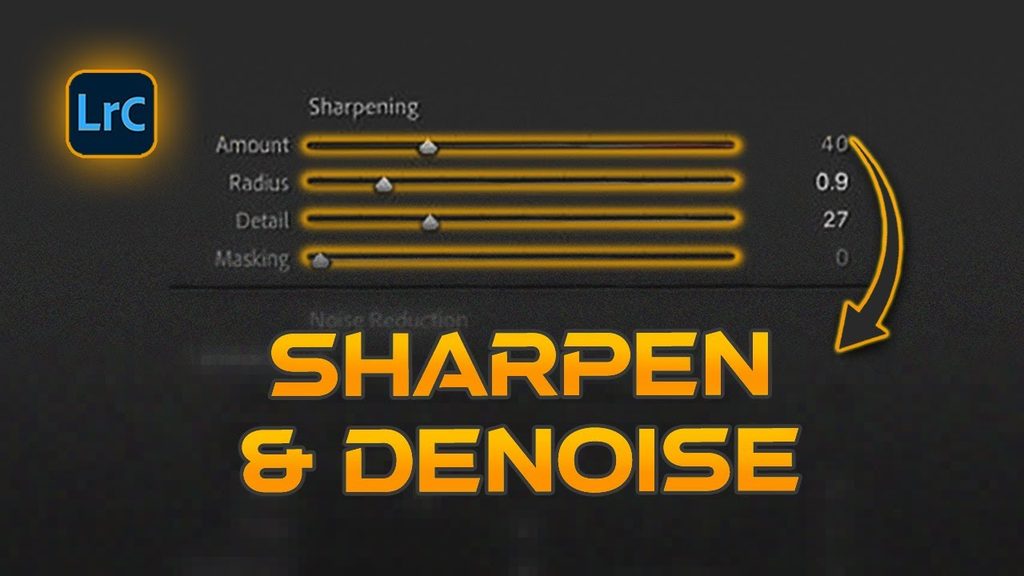
Image quality tools also saw real improvements in 2026. Denise batch processing became significantly more efficient, a meaningful upgrade for wildlife photographers or anyone syncing noise reduction settings across dozens of files at once. On the sharpening side, Lightroom’s AI Sharpen tool can now tap into Topaz Labs’ Noise-Aware Sharpen model directly inside the app, aimed at recovering fine detail more effectively than earlier sharpening methods.
Mobile Keeps Closing the Gap With Desktop
Lightroom’s mobile app has also picked up meaningful upgrades, including the ability to convert photos into short AI-generated videos using the Animate tool in Quick Actions, improved masking precision for separating subjects from busy backgrounds, and expanded editing support for fold able devices, including HDR editing on Samsung foldables. Workflow conveniences have improved too, such as copying photos directly into an album when moving them from local storage to the cloud.
Final Thoughts
Lightroom in 2026 still centres on the fundamentals that made it essential in the first place — precise colour, exposure, and detail control — but it’s increasingly wrapping AI around the repetitive parts of the job: sorting, culling, searching, and even extending a photo beyond its original frame. For photographers, that shift means less time on administrative busywork and more time actually making creative decisions.